
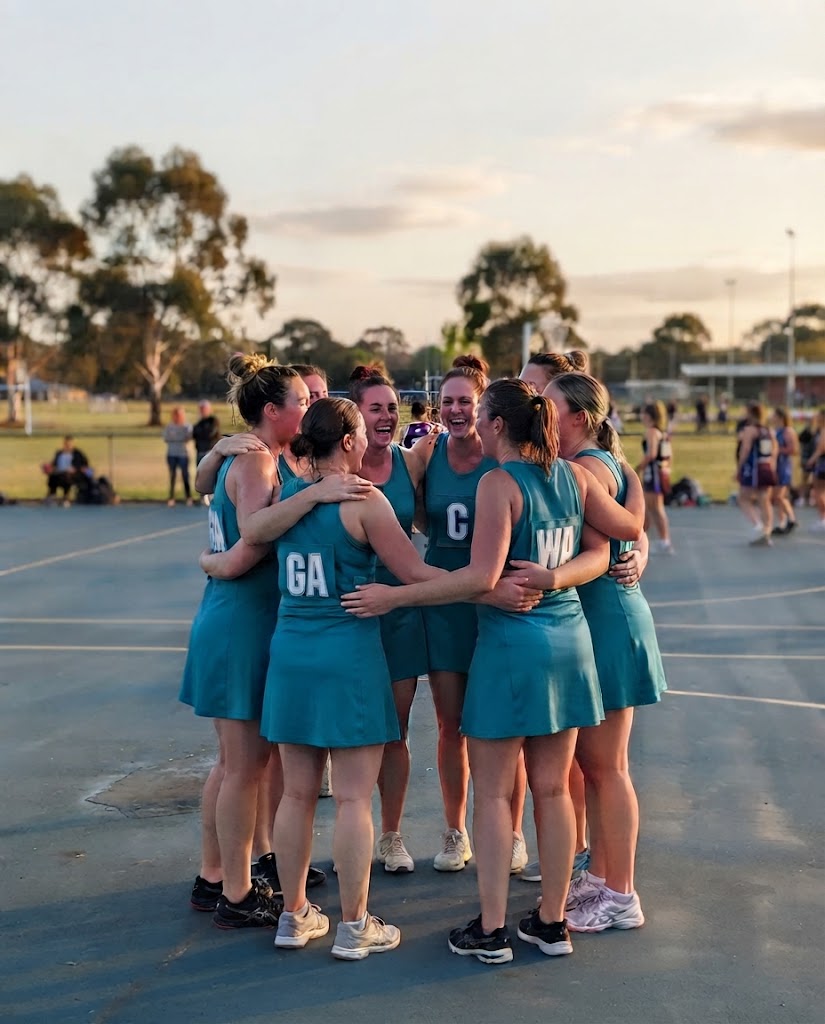
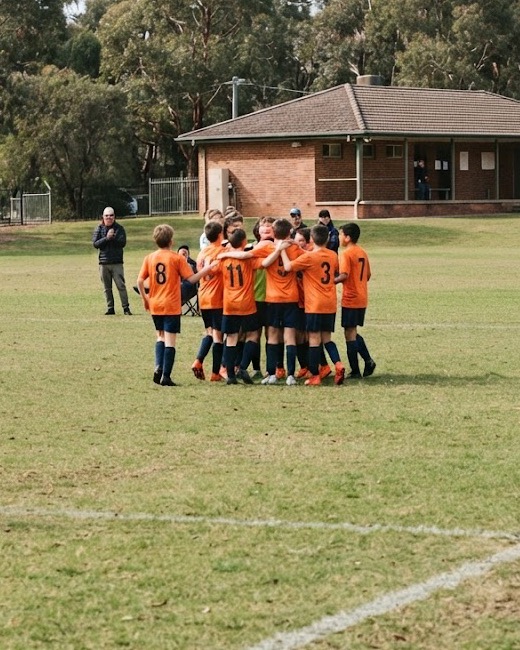
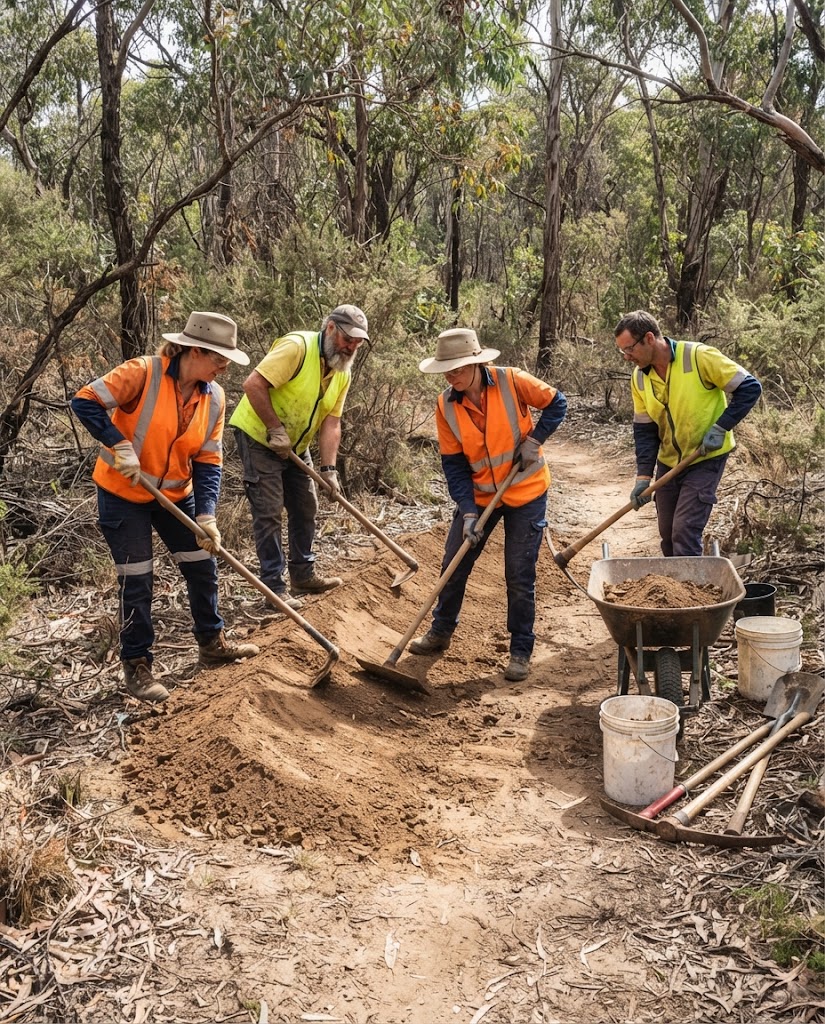
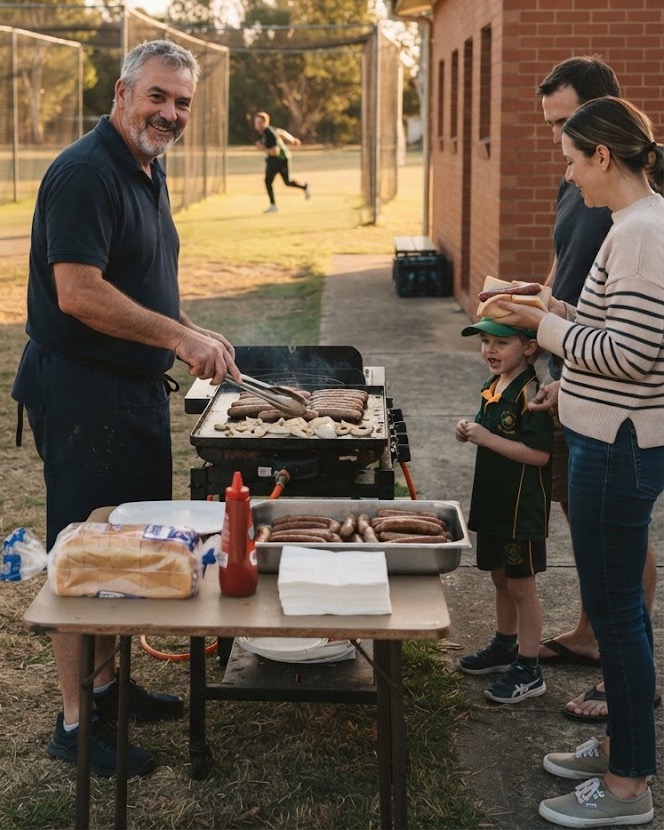
For volunteer-run sports clubs

Your sponsors get the posts you promised. You just tap Approve.

Club Glide Sponsors drafts a thank-you post for every sponsor from your club's own photos, plans them fairly across the season, and keeps count of what each sponsor was promised. You approve. It posts to Facebook and Instagram.

  • 30 days free
  • No card needed
  • Nothing posts without your OK
Example of a published sponsor post from Bayside Netball Club: a photo of the Open A team and a thank-you caption. This club has added the optional second picture, a yellow card that reads “Proudly supported by Harbour Physio, Silver”. A note says a committee member approved it on their phone and it was posted to Facebook and Instagram.

Sponsor posts are the job nobody has time for

Sponsors pay for the season up front. The thank-yous are supposed to follow, and then the season gets busy.

  • The promise slips

    Your gold sponsors were promised twelve posts. It’s round nine and they’ve had three.

  • The photos are scattered

    Great photos get taken every weekend. They’re on four different phones, and nobody knows which sponsor goes with which team.

  • Renewal gets awkward

    The sponsor asks what they got for their money this year, and nobody kept count.

Club Glide Sponsors takes the job on, and keeps the count for you.

More than a scheduler

Facebook and Instagram can schedule a post you have already made. Club Glide Sponsors makes the posts, and keeps count of what each sponsor is owed.

  • The posts are made for you

    Each post arrives drafted, with a club photo and a caption. Nobody starts from a blank screen. You can also add a “Proudly supported by” card with the sponsor’s logo as a second picture.

  • Approve weeks ahead

    See the next 12 weeks laid out. Approve posts one at a time, or all of them in one sitting, then get on with the season.

  • Every sponsor gets a fair share

    Posts are spread by tier, so Gold gets more than Bronze and nobody is quietly forgotten.

  • The count is kept for you

    See posts delivered against posts promised for every sponsor. Take it to the renewal meeting, or use it to win your next sponsor.

What goes out under your club's name

Your photo and a caption in your club's own words. Each sponsor is matched to photos of the team or event they back. These examples also show the optional “Proudly supported by” card, which adds the sponsor's logo as a second picture.

Three example sponsor posts. A football club thanks Northside Motors for new kits beside a photo of its under 12s. A mountain bike club thanks Summit Cycles beside a photo from a trail day. A cricket club thanks Tide Café beside a photo from Friday night nets. These examples all use the optional second picture: a yellow “Proudly supported by” card next to the club's photo.

Examples only. The clubs and sponsors shown are made up.

How it works

Set it up once at the start of the season. After that, your part is a quick look and a tap each week.

  1. Step 1: List your sponsors

    Add each sponsor, their tier, and how many posts that tier was promised. Gold might be twelve a season. Paste in a few lines about each one.

  2. Step 2: Add your photos

    Drop in photos from training, match days and events, and say what each one shows: a team, the juniors, an event. The right sponsor gets the right photo.

  3. Step 3: Tap Approve

    Each post arrives ready to go, with its photo and caption. Check it on your phone, change anything you like, and approve one post or the next 12 weeks in one go. Each publishes at the time you set.

Walk into renewal with the numbers

One screen shows how many posts each sponsor has had against what they were promised. Posts are spread fairly across the season, so every sponsor gets their share and nobody is quietly forgotten.

  • A fair plan of posts across the season, worked out from each sponsor’s tier.
  • If a sponsor falls behind, you see it early, while there’s still time to catch up.
  • A reminder before each sponsorship is due for renewal, so the conversation starts on time.
Example of the season overview. Northside Motors has had 10 of 12 promised posts and renews in 28 days. Harbour Physio has had 6 of 8. Coastline Realty has had 5 of 12 and is 2 posts behind. Tide Café has had 3 of 4.

Nothing goes out without your OK

Every post waits for a committee member to approve it. You see exactly what will be published, and you can approve it from your phone at training.

  • See the photo and the caption before anything is posted.
  • Change the wording, swap the photo, move the date, or skip it.
  • Ask a second committee member to connect too, so posting doesn’t stop if someone steps down.
Example of the phone review screen: the Coastline Realty post for the juniors, with its photo, the optional sponsor logo card and caption, and buttons to approve, move the date, swap the photo or skip it.

Extras, when you want them

You don’t need either of these to get going. They’re there if they suit your club.

Advanced

Photos straight from Google Drive

Already keep club photos in a shared Drive folder? Connect one folder and new photos come in by themselves. Each subfolder becomes a tag.

Advanced

Fresh wording with AI

Off unless you turn it on. When it’s off, posts use your words exactly. When it’s on, each post gets a fresh rewording of the sponsor’s copy, and you still approve it first.

One price for the whole club

Try it for a full month with your real sponsors and photos. If one sponsor renews because you kept your side of the deal, it has paid for itself many times over.

Prices in:

A$29a month

or A$290 a year

Your club pays in the currency chosen in its settings, if it is one of these five. Otherwise it pays in Australian dollars. Nothing is added to the price at checkout.

  • 30 days free to start. No card needed.
  • Posts planned, built and published for every sponsor.
  • Your club’s Facebook Page and Instagram account.
  • The season count and renewal reminders.

Questions clubs ask

Can’t I just schedule posts in Instagram or Facebook?

You can, and it is free. But scheduling only publishes a post you have already made. Someone still has to find the photo, write the caption, add the sponsor’s logo, and remember whose turn it is. Club Glide Sponsors drafts every post for you, spreads them fairly across your sponsors, and keeps count of what each one was promised.

How far ahead can I approve posts?

Up to 12 weeks. The plan lays out every sponsor’s posts for the next 12 weeks, and you can approve them one at a time or all in one go. You can still change or skip any post before it goes out.

What do I need to get started?

A Facebook Page for your club, and an Instagram professional account linked to that Page. You’ll need to be an admin of the Page. Setup shows you how to check both. Then your list of sponsors and a handful of photos.

Is it only for one sport?

No. Netball, football, cricket, cycling, bowls, surf lifesaving: it suits any volunteer-run club with sponsors to thank and photos to share.

Will you post anything without asking?

No. Every post waits for your OK before it goes out. The only exception is if you choose to turn approval off.

How do posts get to Facebook and Instagram?

You connect your club’s Page once. Facebook will ask you to approve a publishing service called Post Bridge, which Club Glide uses to post on your behalf. Choose only your club’s Page when it asks. You can disconnect at any time.

What does it cost?

The first 30 days are free and you don’t need a card to start. After that it is A$29 a month, or A$290 a year, for the whole club.

Does it work on a phone?

Yes. Reviewing and approving posts is designed for a phone, and the rest of it works there too.

What about the rest of Club Glide?

Club Glide Sponsors is just about sponsors. More Club Glide modules will be available later.

Give your sponsors the thanks you promised them.

Set up your sponsors and photos today, and approve your first post this week. 30 days free, no card needed.

    Club Glide Sponsors: sponsor posts for sports clubs, drafted and counted